Guide
Creating an Audience List
Group Slack channels into reusable lists so you can target the right destinations every time you broadcast.
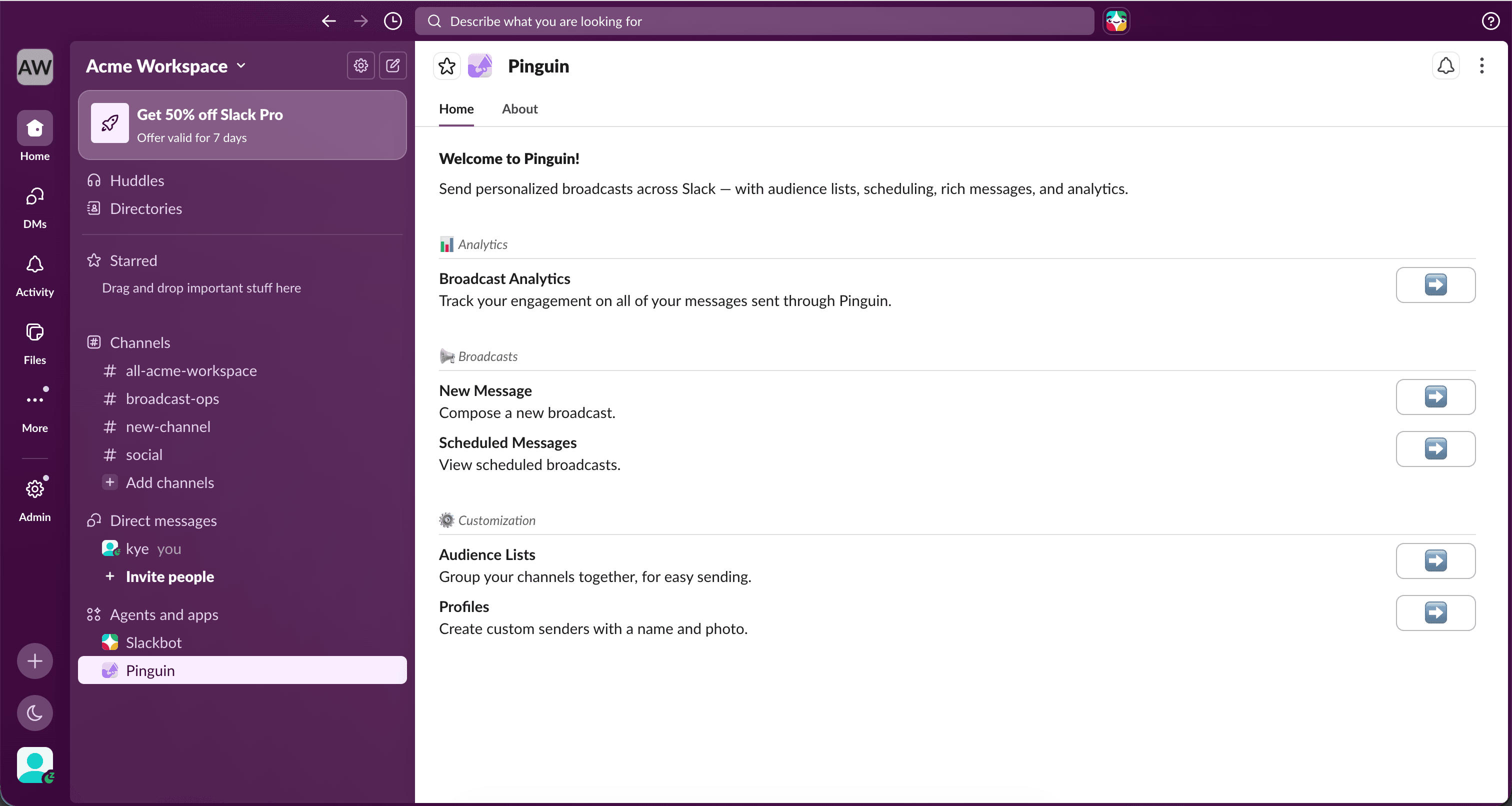
Open Audience Lists
Select "Audience Lists" from the Pinguin home tab.
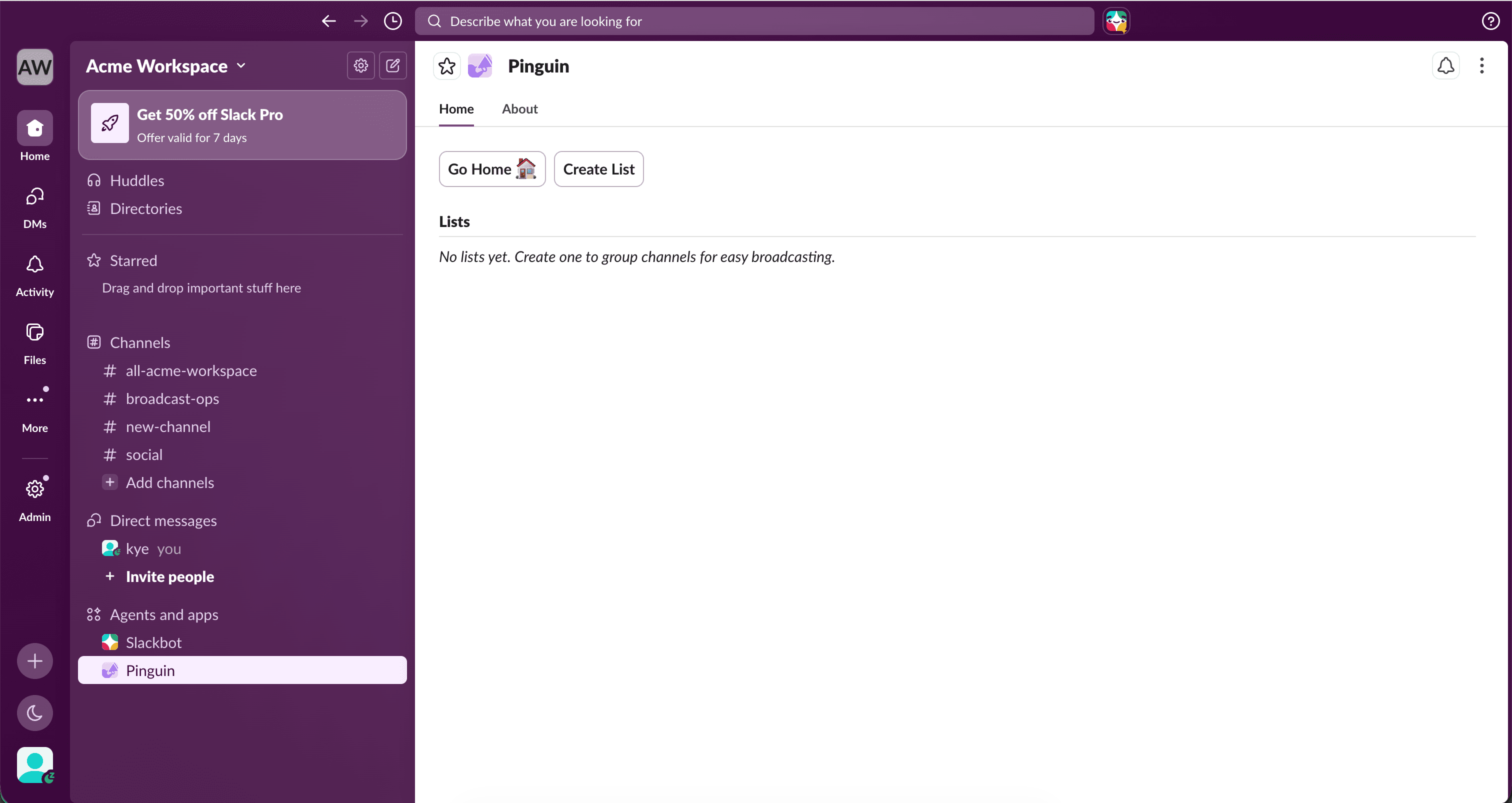
Create a list
Press "Create List" to start a new audience list.
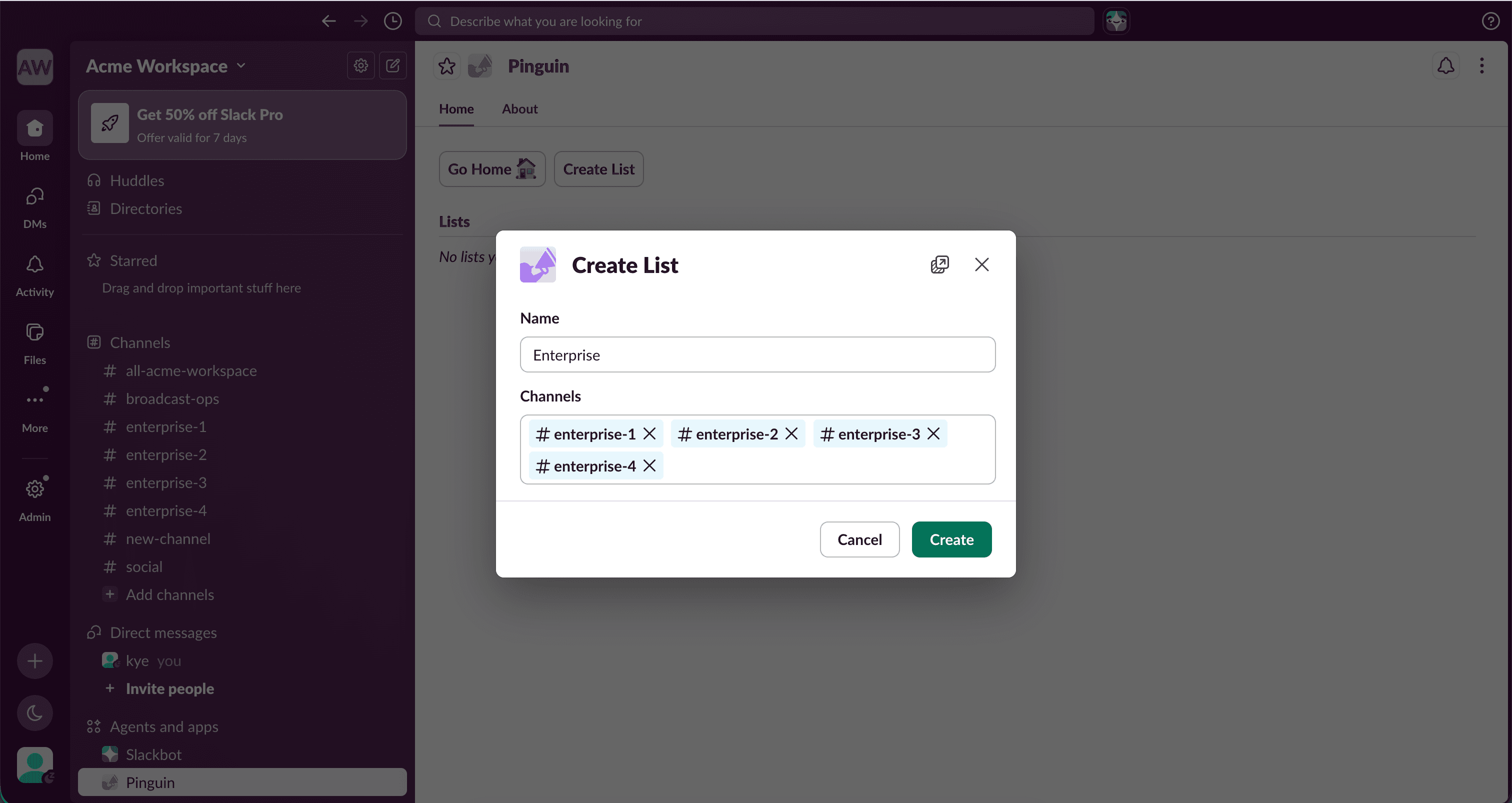
Name and select channels
Give your list a name and select the relevant channels.
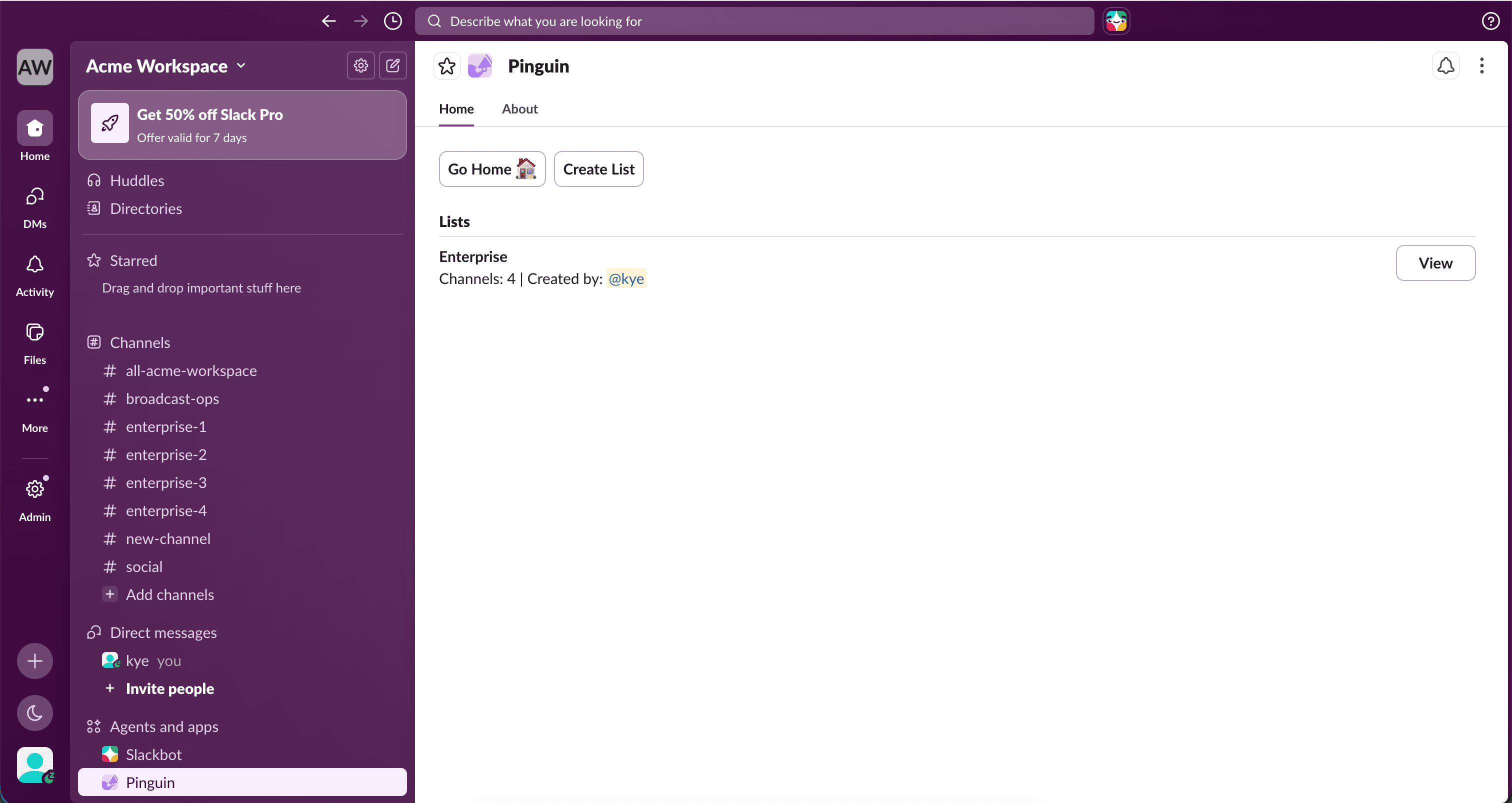
List created
Your list has been created. Press "View" to open it.
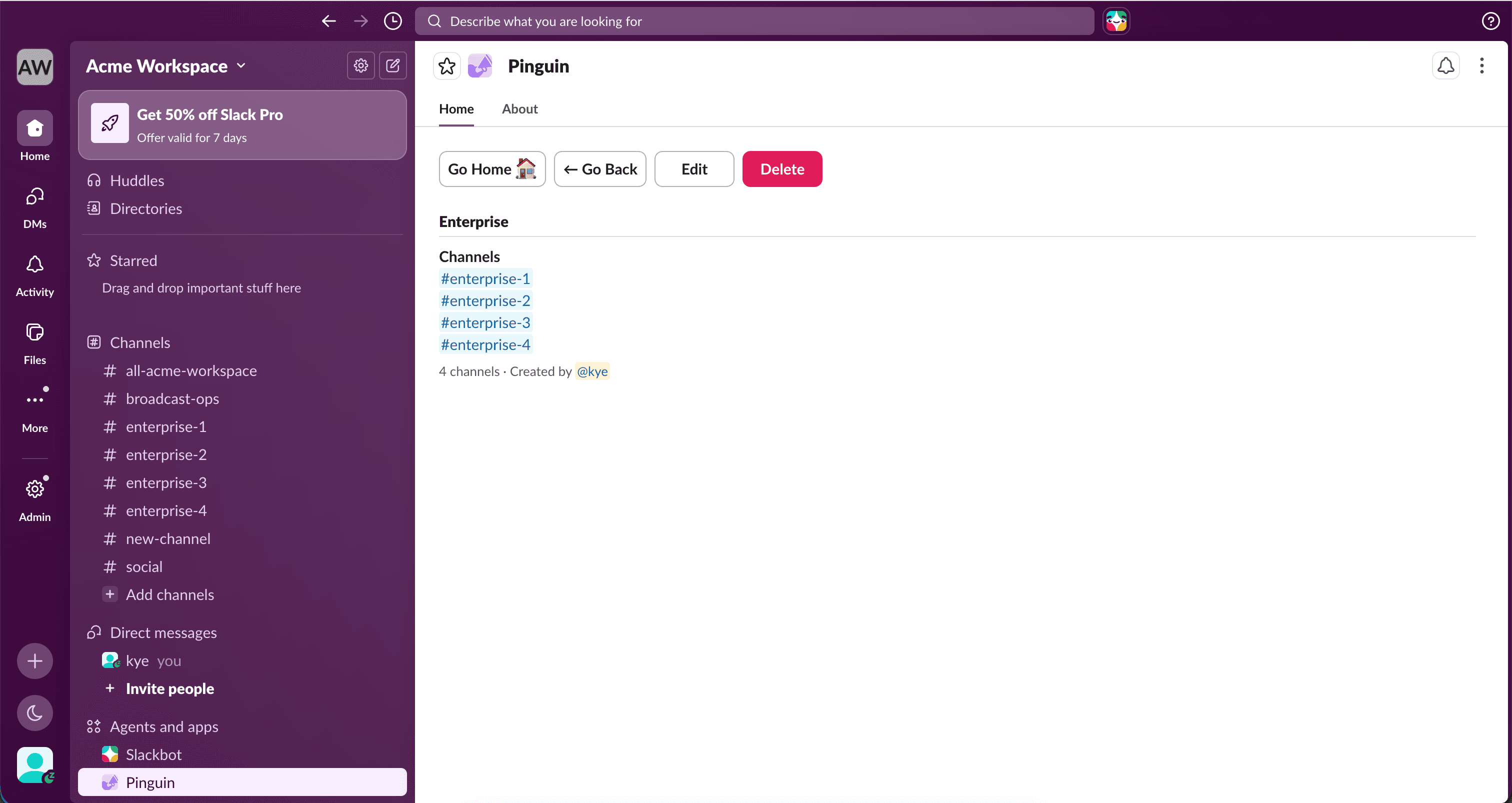
Manage the list
From here, you can edit the list to add or remove channels, or delete the entire list.
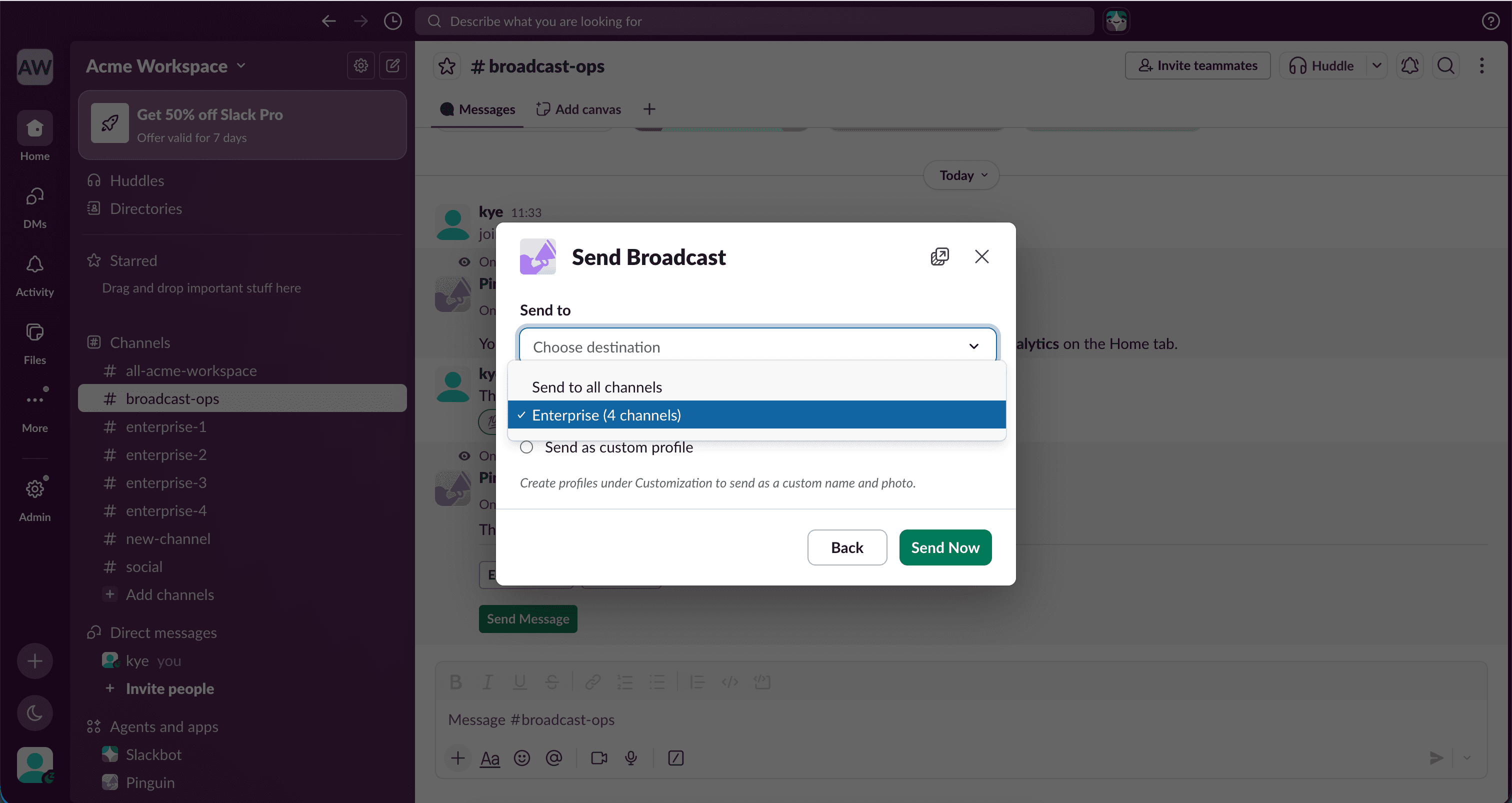
Use when broadcasting
Select your list when creating a new broadcast via the "Send to" property.